


Agent Management — Integrations
Connect your AI Agent to external ticket management and automation platforms. At least one Ticket Management connection is required for the IT Service Agent to function.

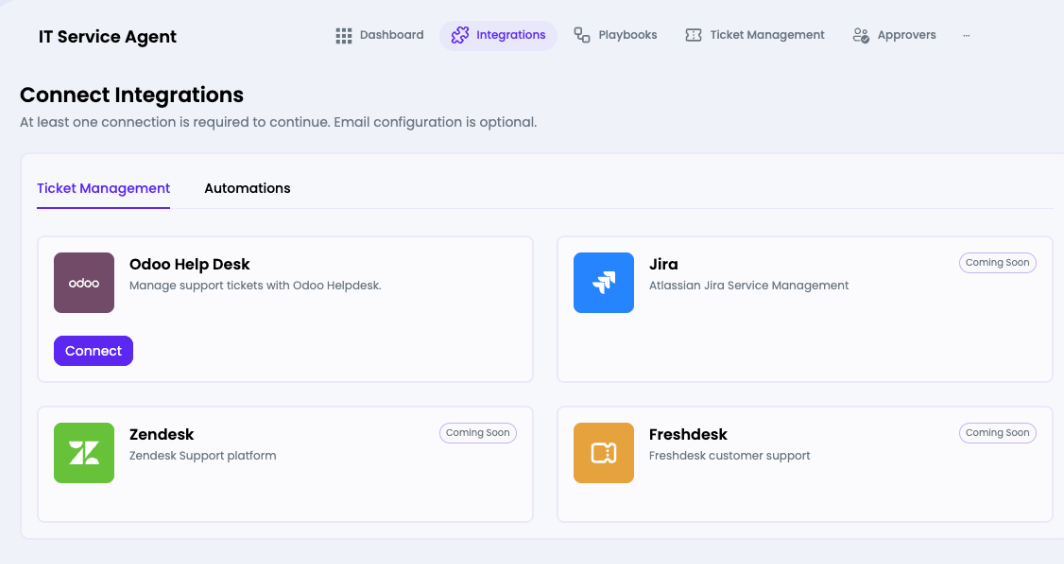

Ticket Management Platforms
| Platform | Status | Description |
| Odoo Help Desk | Available | Manage support tickets via Odoo Helpdesk |
| Jira | Coming Soon | Atlassian Jira Service Management |
| Zendesk | Coming Soon | Zendesk Support platform |
| Freshdesk | Coming Soon | Freshdesk customer support |
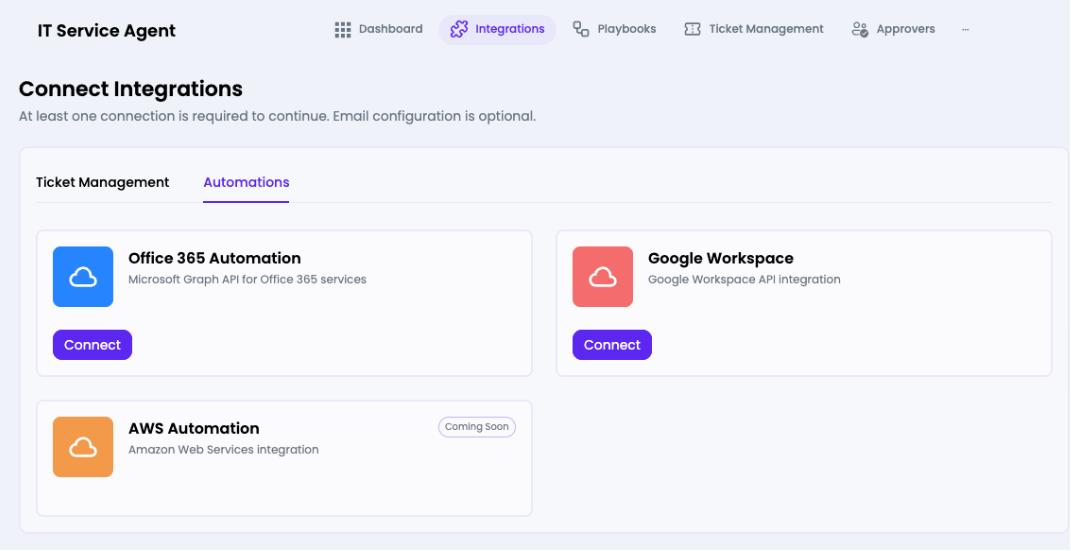
Automation Platforms
| Platform | Status | Description |
| Office 365 Automation | Available | Microsoft Graph API — user management, password resets |
| Google Workspace | Available | Google Workspace API integration |
| AWS Automation | Coming Soon | Amazon Web Services integration |
Note: At least one Ticket Management connection is required before the agent can process tickets. Email configuration is optional.
How to Connect Odoo Help Desk
- Navigate to the agent's Integrations tab.
- Ensure the Ticket Management sub-tab is selected.
- Click Connect on the Odoo Help Desk card.
- Enter your Odoo instance URL and API credentials in the connection wizard.
- Click Next to proceed to the Automation step, or Skip to finish without automation.