


Agent Management — Try Agent
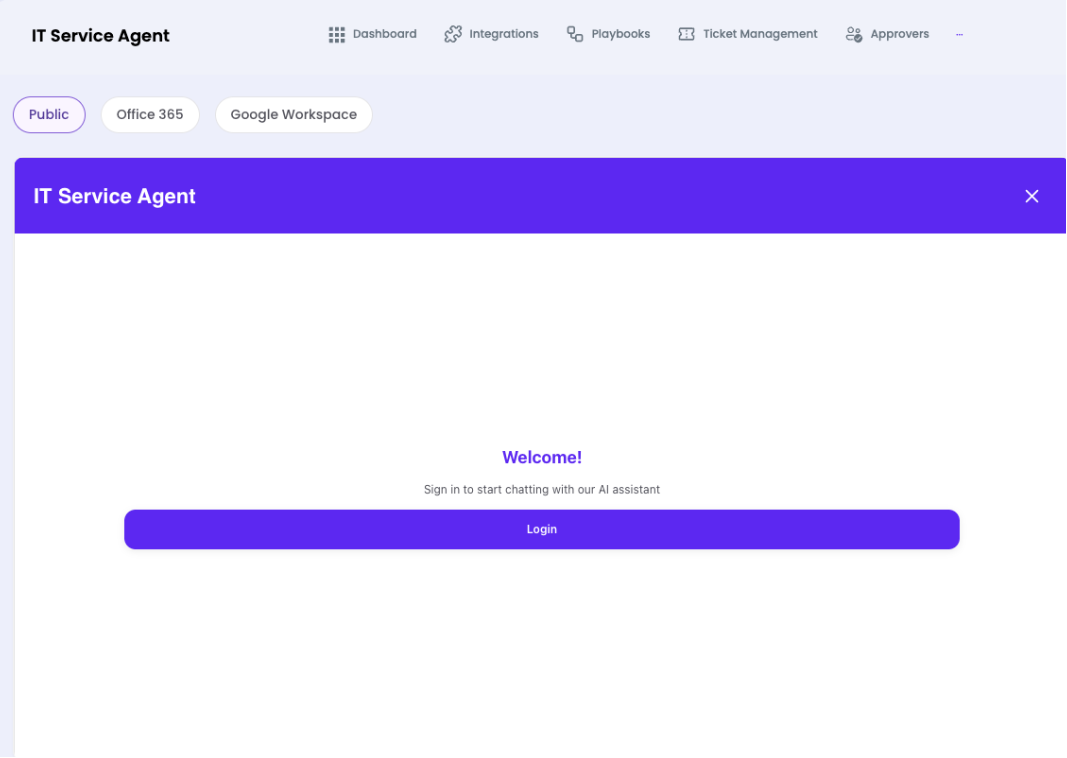
A live preview interface to test and interact with your AI Agent in real time before deploying to production channels.

What you can do here
- Chat with the agent in real time using the Public context (unauthenticated visitor view)
- Switch to Office 365 or Google Workspace context to test authenticated flows
- Validate playbook triggers and responses before go-live
- Test escalation flows and approval request messages
Note: Use the 'Public' tab to simulate how an anonymous website visitor experiences the agent, and the integration tabs to test authenticated employee-facing scenarios.