


Login to Quote Manager
Login to Quote Manager with your user name and password at https://one.comodo.com/app/login
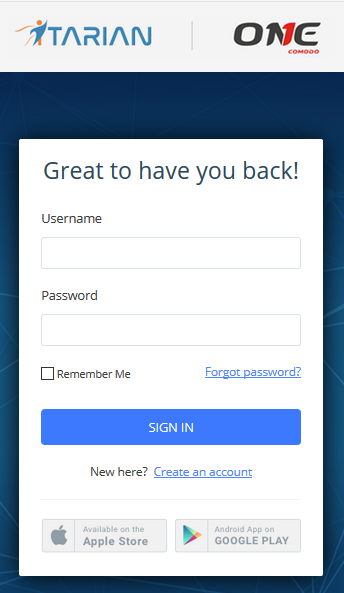
The ITarian dashboard will open.
- Click 'Applications' > 'Quote Manager' to open the application.
- Click 'Store' if you haven't yet activated Quote Manager. You can install it from the Quote Manager tile:
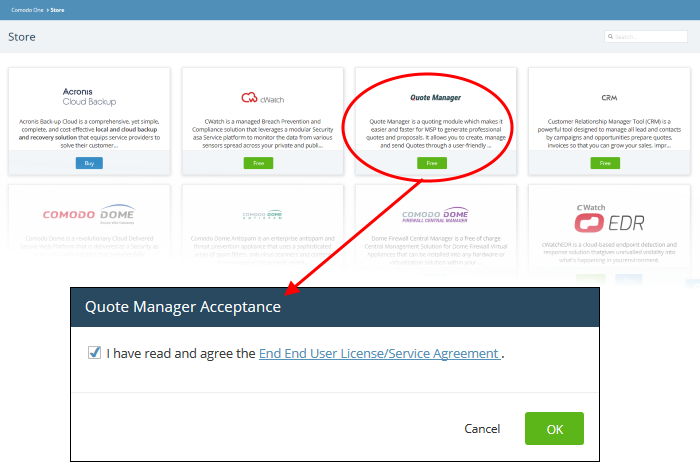
-
Click 'OK' after reading the end user license agreement to begin setup:
- The application will be activated and you will see the following notification:
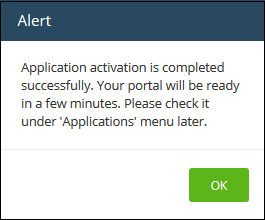
- Click 'OK' to close the alert
After activation, you can find 'Comodo Quote Manager' under 'Licensed Applications' on the menu bar.