


Overview
- Click 'Overview' to open this interface.
The 'Overview' tab holds the console's two dashboards. Its dark left sub-navigation has two entries, 'Web Overview' and 'Security Overview'.
You can review browsing and threat activity for your networks, roaming agents, mobile users and local resolvers from this interface.
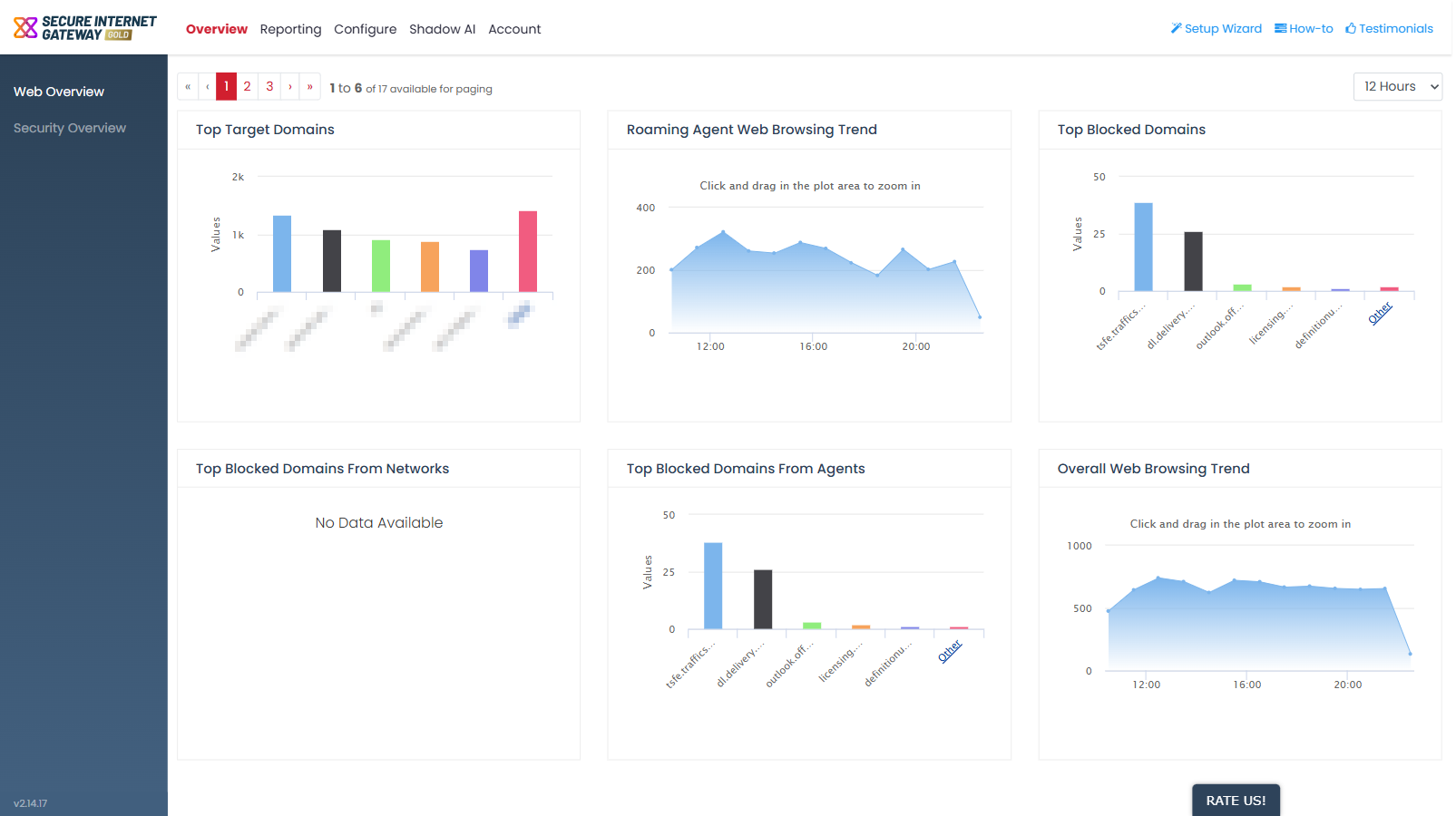
The two dashboards
| Dashboard | Description |
| Web Overview | The default screen. Seventeen widgets covering browsing trends, target domains, blocked domains and URL categories. |
| Security Overview | Seven widgets covering advanced threats and security incidents. |