


Page Through Widgets and Change the Reporting Period
- Click 'Overview' > 'Web Overview' or 'Overview' > 'Security Overview' to open this interface.
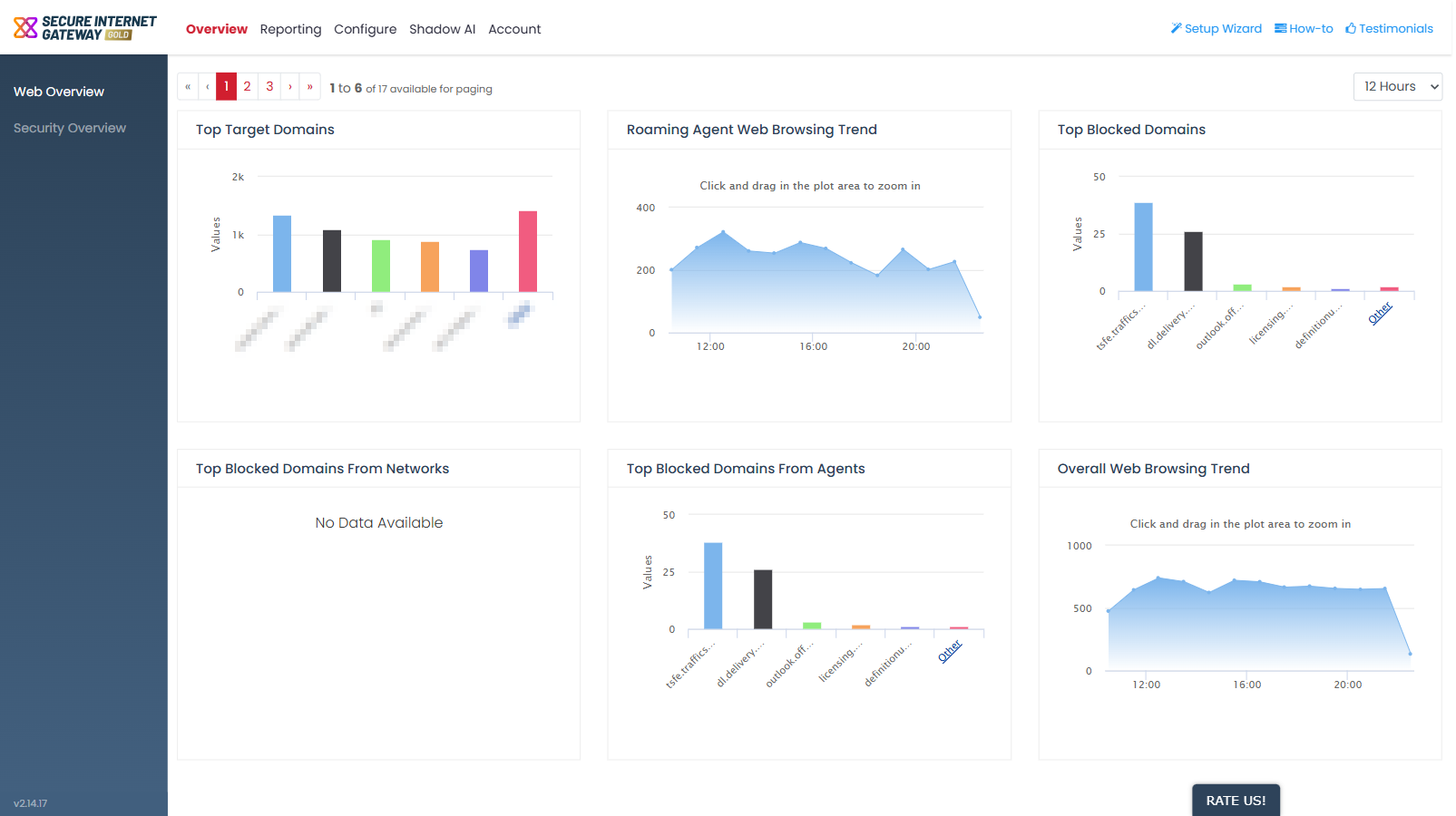
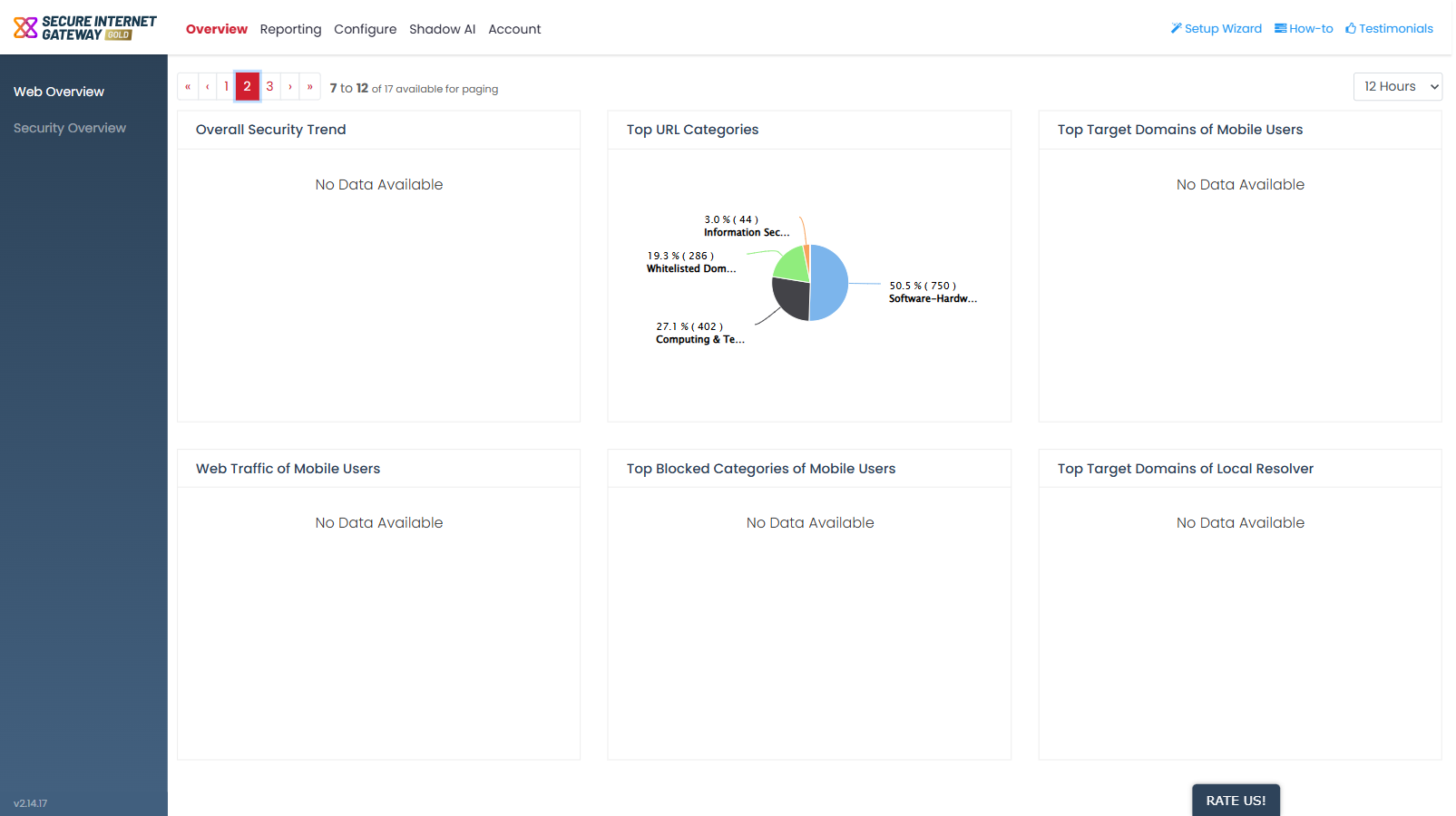
Both dashboards show six widgets at a time and share two controls: a paging control above the widgets and a time-range dropdown at the top-right.
You can move between pages of widgets and change the period every widget on the dashboard is drawn for.
Page through the widgets
Change the reporting period
The time-range dropdown at the top-right sets the period for every widget on the dashboard.
- Click the time-range dropdown at the top-right of the dashboard.
- Click the period you want.
| Option | Description |
| 12 Hours | The last twelve hours. This is the default. |
| 24 Hours | The last twenty-four hours. |
| 2 Days | The last two days. |
| 3 Days | The last three days. |
| 5 Days | The last five days. |
| 7 Days | The last seven days. |
Note: the charts redraw after the period changes. A widget with no data for the new period shows 'No Data Available'.
Note: the 'Reporting' tab shows a fixed 'Last 7 Days' period instead of this dropdown. See 'Reporting' for more details.