


Policy Settings
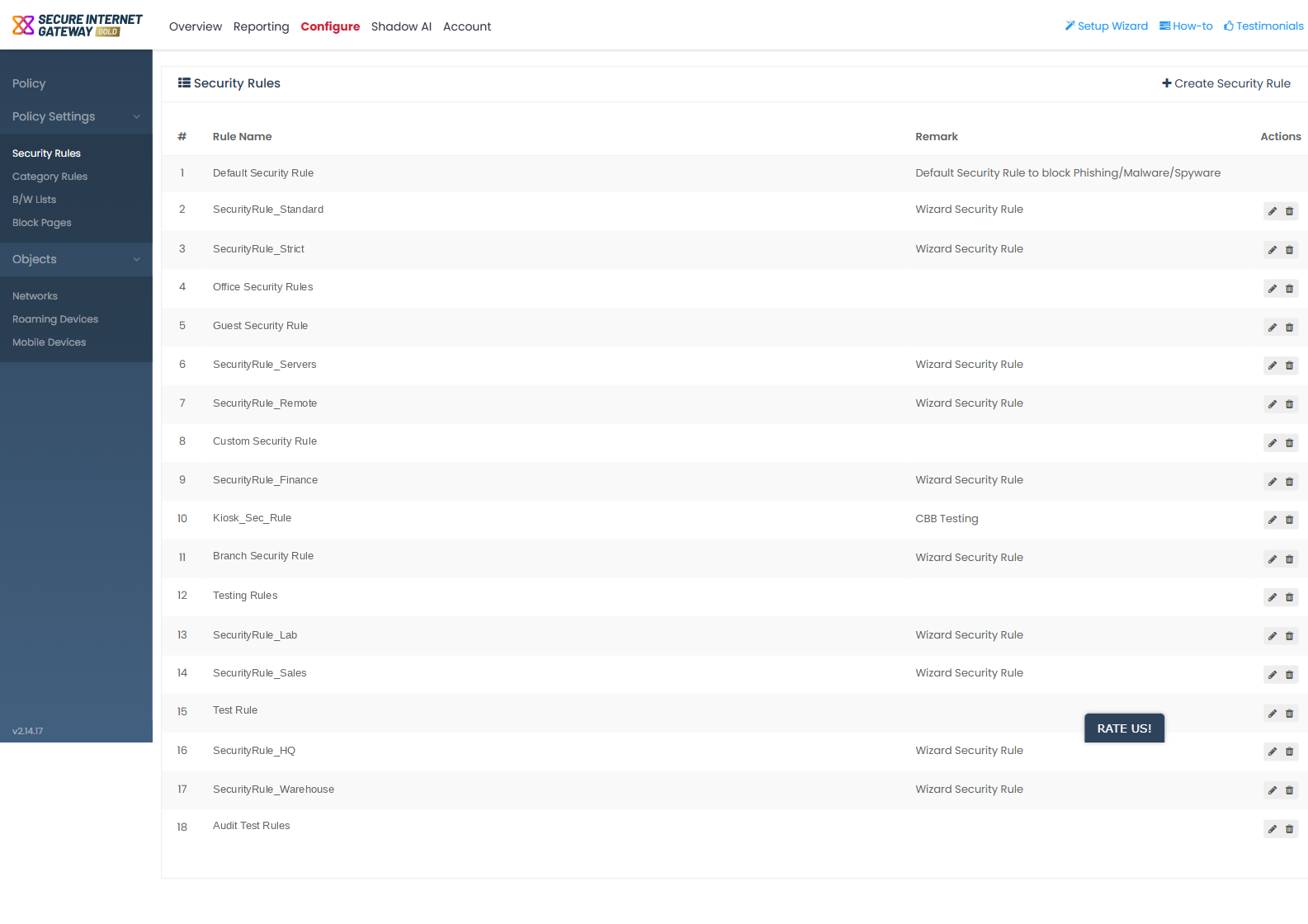
- Click 'Configure' > 'Policy Settings' to expand this group.
'Policy Settings' is the group in the Configure sub-navigation that holds the reusable building blocks of a policy. You build the rules, lists and block pages here, then attach them to a policy from the policy's 'Settings' tab, so the same item can be reused by any number of policies.
You can create, update and delete security rules, category rules, domain black/white lists and block pages from this group.
Screens in this group
- 'Security Rules' - named sets of threat categories to block.
- 'Category Rules' - named sets of website categories to block.
- 'B/W Lists' - named domain black and white lists, with optional country top-level-domain blocking.
- 'Block Pages' - the page a user sees instead of a site that a policy has blocked.
Note: a policy must have at least a security rule, a category rule or a B/W list attached to it. Build the items you need here before you create the policy.