


Start the Setup Wizard
- Click 'Setup Wizard' on the console header to open this interface.
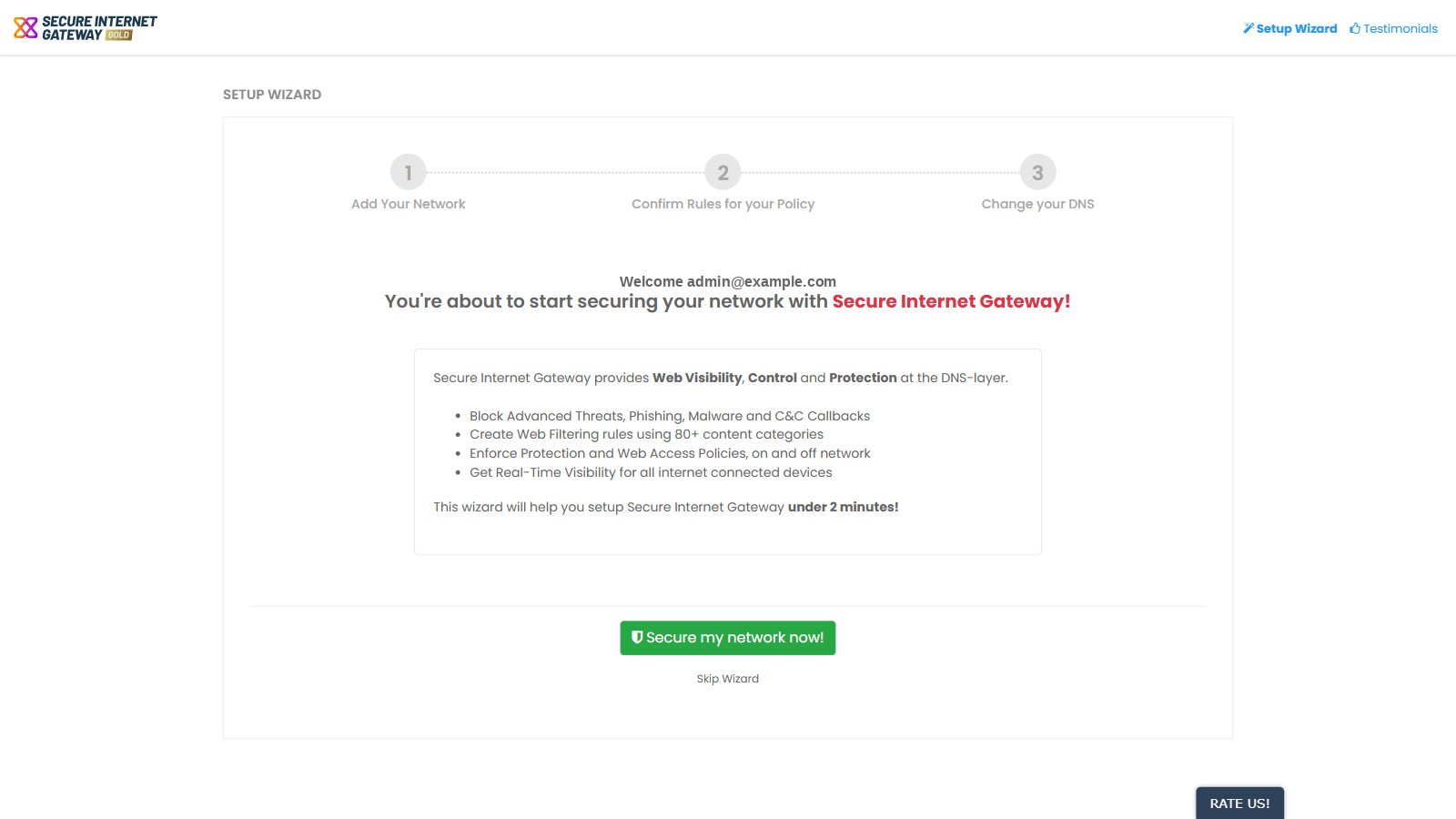
The welcome screen is where the guided setup begins. It greets you with the email address you are signed in with and summarises what Secure Internet Gateway does.
You can begin the guided setup or skip it entirely from this screen.
What Secure Internet Gateway gives you
Secure Internet Gateway provides Web Visibility, Control and Protection at the DNS layer. It lets you:
- Block advanced threats, phishing, malware and C&C callbacks.
- Create web filtering rules using 80+ content categories.
- Enforce protection and web access policies, on and off network.
- Get real-time visibility for all internet-connected devices.
Start the wizard
- Click 'Setup Wizard' on the console header.
- Click 'Secure my network now!'.