


Manage Category Rules
- Click 'Configure' > 'Policy Settings' > 'Category Rules' to open this interface.
A category rule is a named set of website categories to block. You attach a category rule to a policy on the policy's 'Settings' tab, and the same rule can be reused by any number of policies.
You can create, update and delete category rules from this interface.
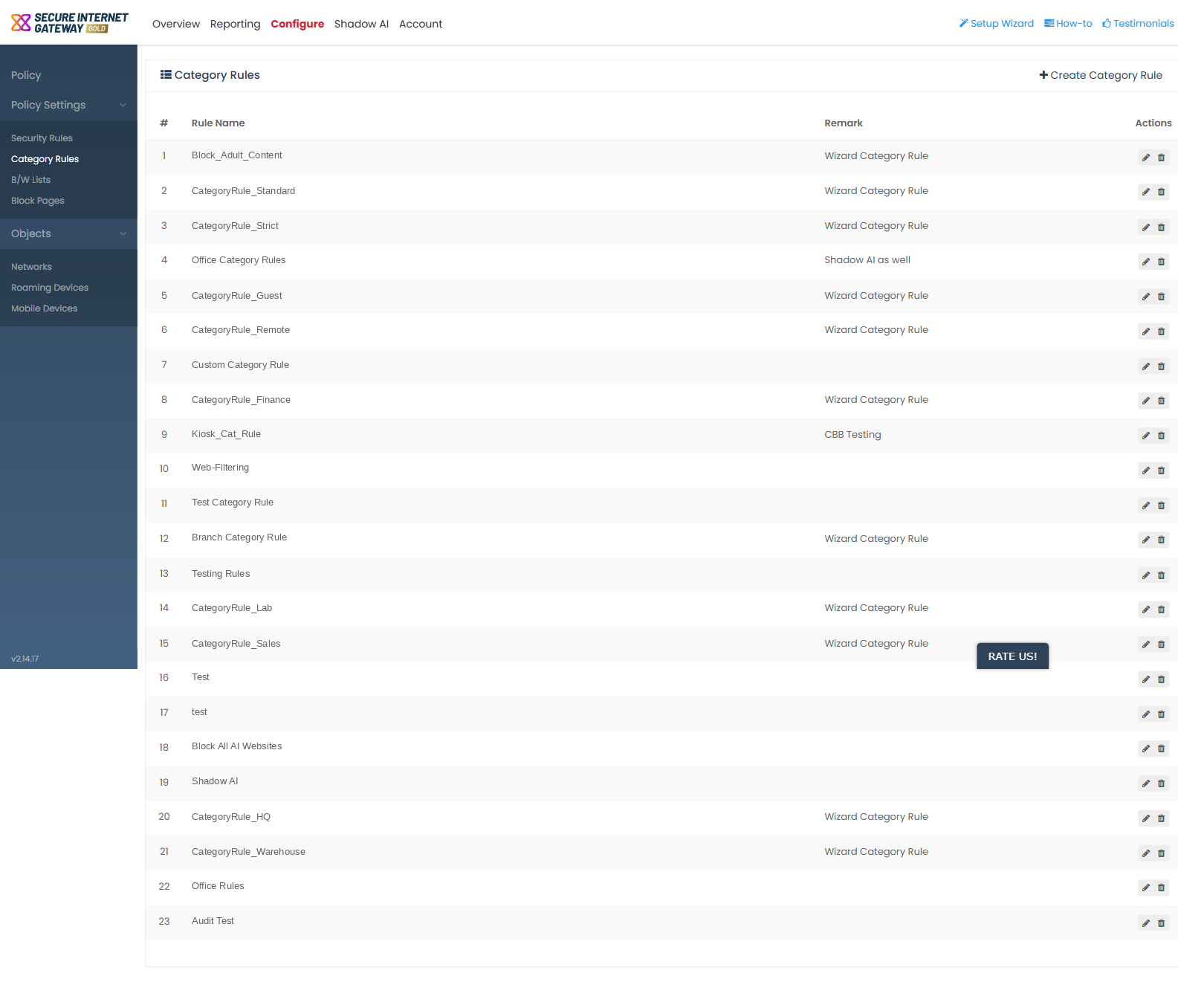
Column descriptions
| Column | Description |
| # | The row number in the list. |
| Rule Name | The name given to the category rule. |
| Remark | The note saved with the rule. |
| Actions | The row-action icons for the rule. |
Row actions
- Pencil icon - opens the rule in an 'Update Category Rule' dialog.
- Bin icon - opens a delete confirmation with a 'Cancel' button.
View and manage category rules
- Click 'Configure' > 'Policy Settings' > 'Category Rules'.
- Find the rule you want in the list.
- Click the pencil icon in the 'Actions' column to open the rule for editing.
- Click the bin icon in the 'Actions' column to remove the rule.
- Confirm the deletion, or click 'Cancel' to keep the rule.