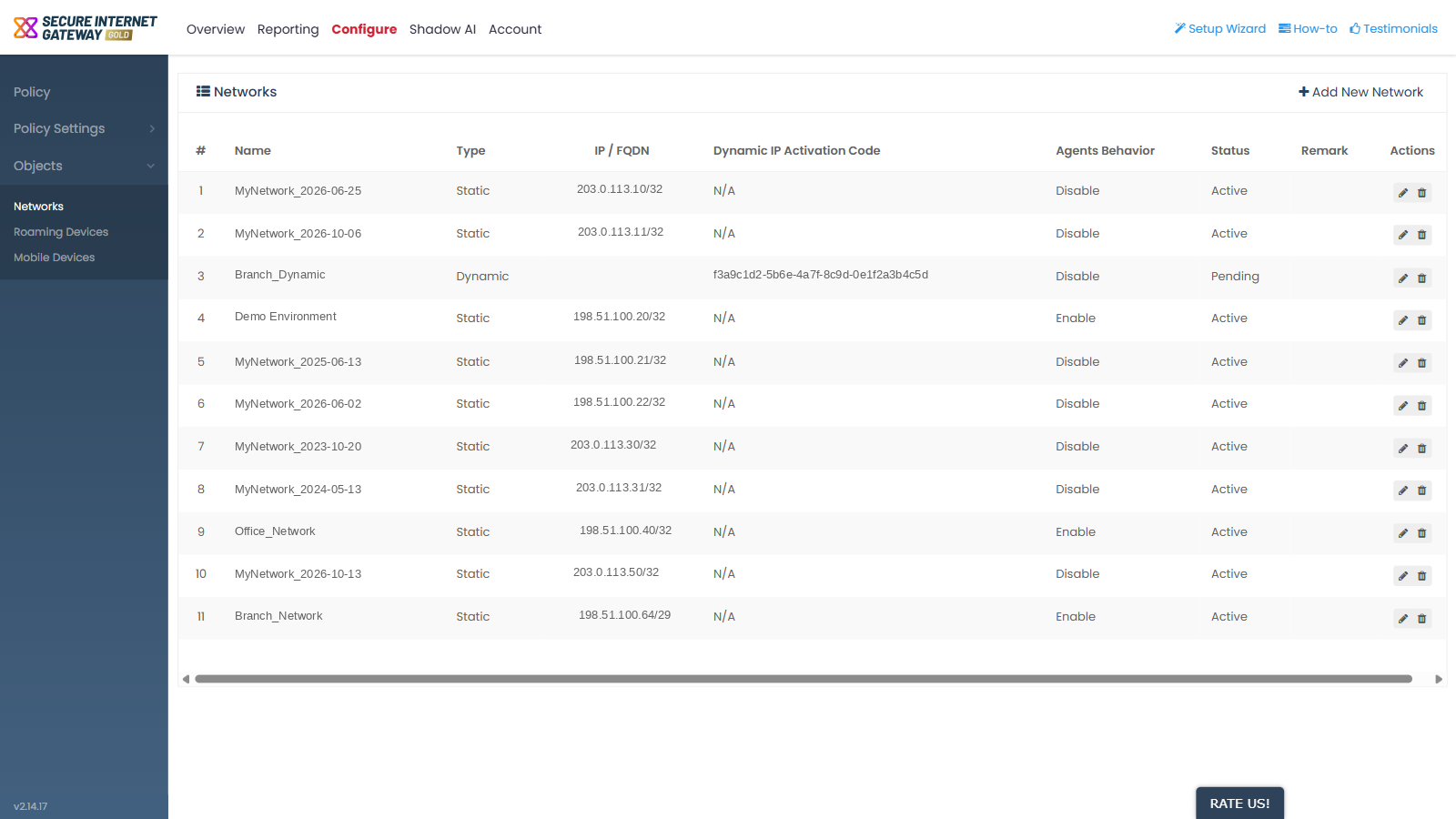
Objects
- Click 'Configure' > 'Objects' to open this group.
'Objects' is the part of the 'Configure' sidebar that holds the things a policy can be applied to. A policy attaches your rules to one or more of these objects.
You can manage networks, roaming devices and mobile devices from this group.
Screens in this group
The 'Objects' accordion holds exactly three items:
- 'Networks' - sites identified by a public IP address or FQDN.
- 'Roaming Devices' - laptops and desktops protected by the roaming agent wherever they connect from.
- 'Mobile Devices' - mobile users protected by a VPN profile sent to their email address.