


Secure Internet Gateway
- Click 'Security' > 'Network Security' > 'Secure Internet Gateway' to open this interface.
Secure Internet Gateway filters and protects internet access at the DNS layer. The console is a separate application rendered inside the platform page, so it carries its own wordmark, tabs and sub-navigation beneath the platform's own navigation.
You can review dashboards, run reports, build policies and rules, enrol networks and devices, and check your licences from this interface.
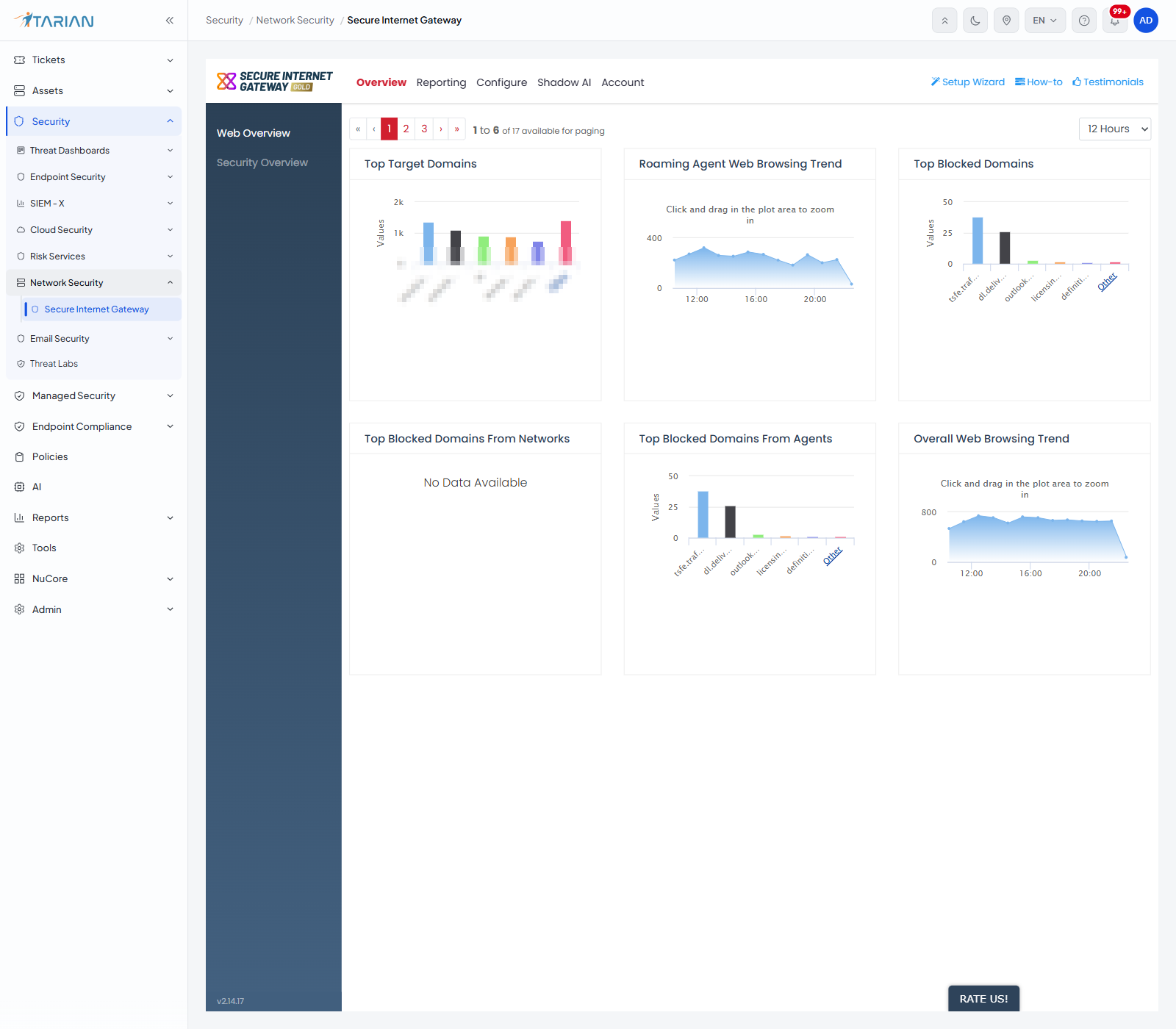
The primary tabs
| Tab | Description |
| Overview | The dashboards. Holds 'Web Overview' and 'Security Overview'. |
| Reporting | Twenty-three individual reports in five groups, plus the 'Exports' list. |
| Configure | Policies, policy settings ('Security Rules', 'Category Rules', 'B/W Lists' and 'Block Pages') and objects ('Networks', 'Roaming Devices' and 'Mobile Devices'). |
| Shadow AI | DNS-based visibility into the AI services your users reach. See 'Shadow AI' for more details. |
| Account | Your account details, the current month's DNS request count and your licences. |