


View Local Resolver Activity Reports
- Click 'Reporting' > 'Local Resolver Activity' to open this group.
The 'Local Resolver Activity' group holds three reports covering DNS traffic that passes through your local resolver virtual appliances.
You can open any one of the three reports and read it for the fixed 'Last 7 Days' period.
The reports in this group
| Report | Description |
| Top Target Domains of Local Resolver | The domains requested most through your local resolvers. |
| Overall Web Browsing Trend of Local Resolver | Browsing volume trend through your local resolvers. |
| Top Blocked Domains of Local Resolver | The categories blocked most often through your local resolvers. The report is titled 'Top Blocked Categories of Local Resolver' in the content pane. |
Open a Local Resolver Activity report
- Click 'Reporting'.
- Click 'Local Resolver Activity' in the left sub-navigation to expand the group.
- Click the report you want.
The reports
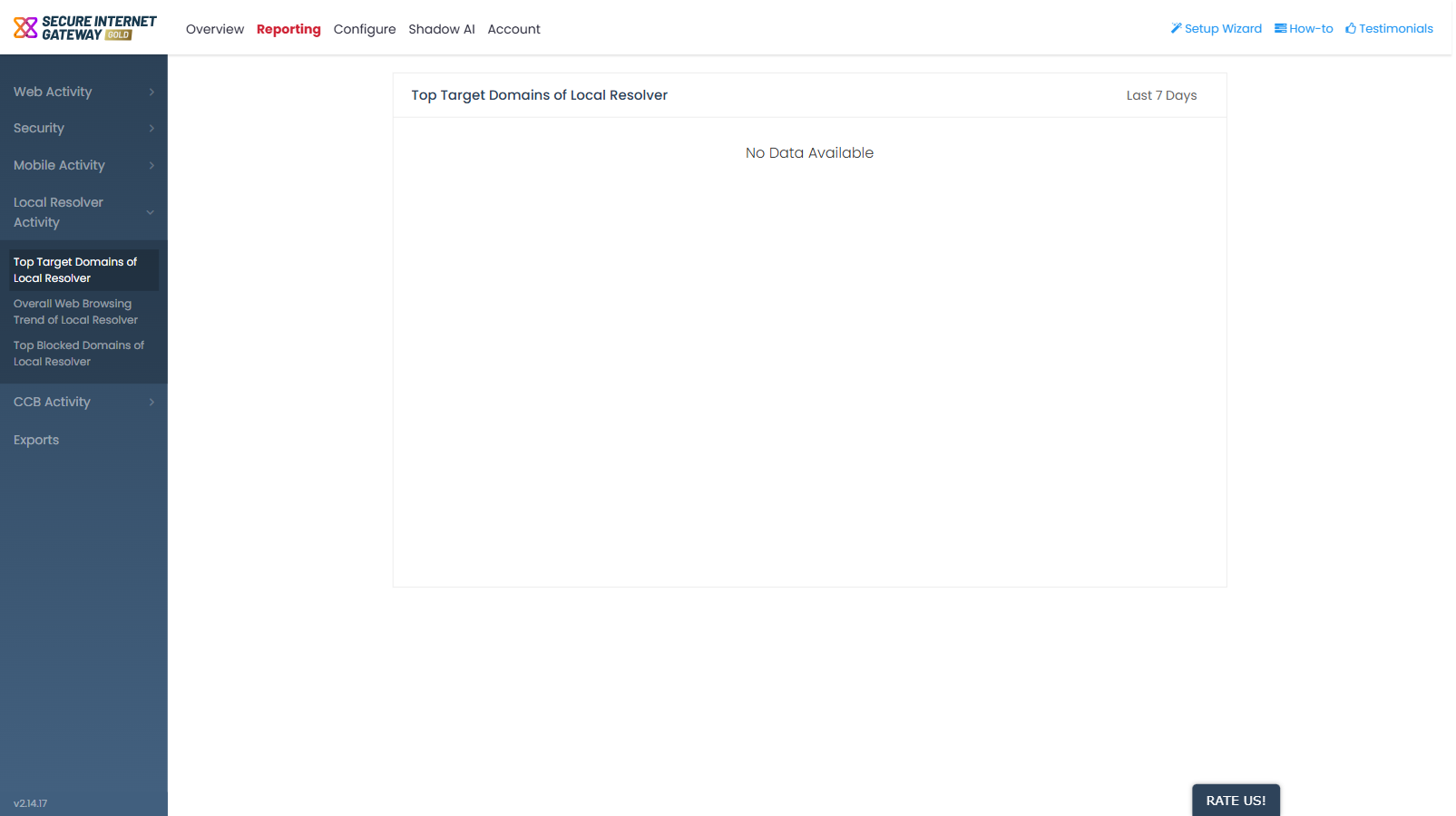
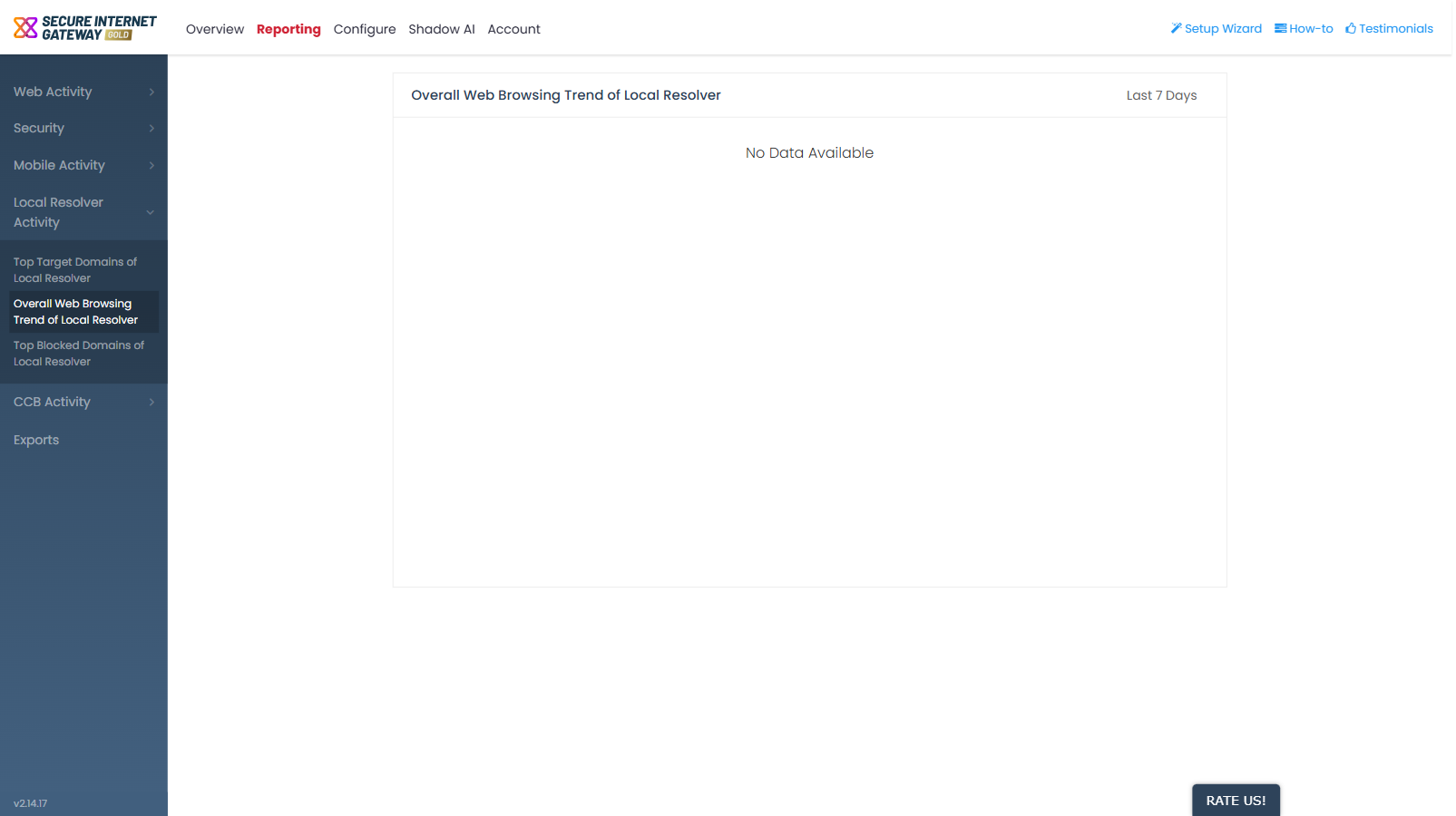
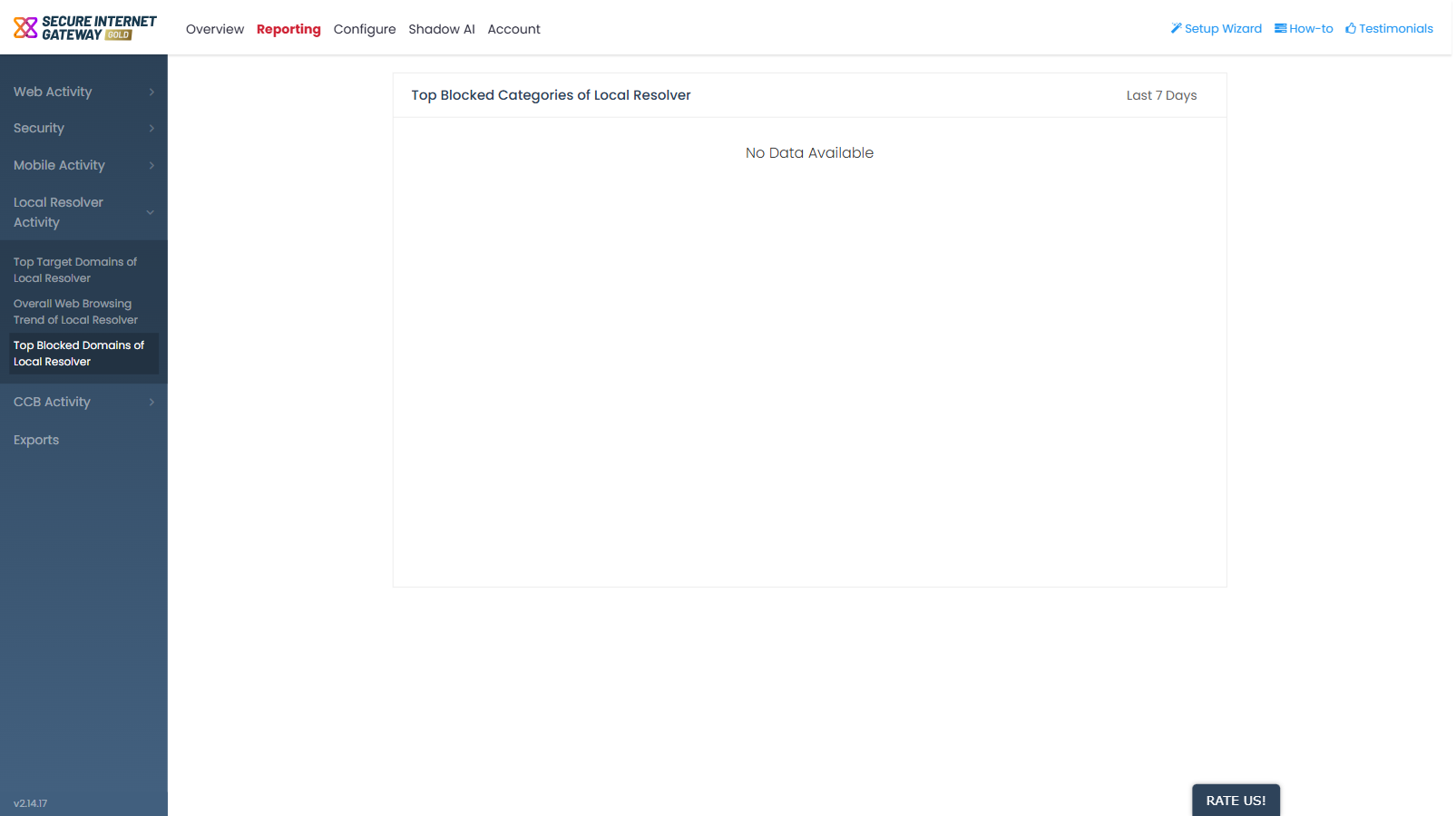
Note: these reports only carry data once local resolver virtual appliances have been deployed and registered.