


View CCB Activity Reports
- Click 'Reporting' > 'CCB Activity' to open this group.
The 'CCB Activity' group holds three reports covering cloud browser sessions.
You can open any one of the three reports and read it for the fixed 'Last 7 Days' period.
The reports in this group
| Report | Description |
| Top Visited Sites | The sites visited most in cloud browser sessions. The report is titled 'Top Visited Sites on CCB' in the content pane. |
| Top Opened Sessions | The cloud browser sessions opened most. The report is titled 'Top Opened Sessions on CCB' in the content pane. |
| File Status | File downloads made through the cloud browser. The report is titled 'File Download on CCB' in the content pane. |
Open a CCB Activity report
- Click 'Reporting'.
- Click 'CCB Activity' in the left sub-navigation to expand the group.
- Click the report you want.
The reports
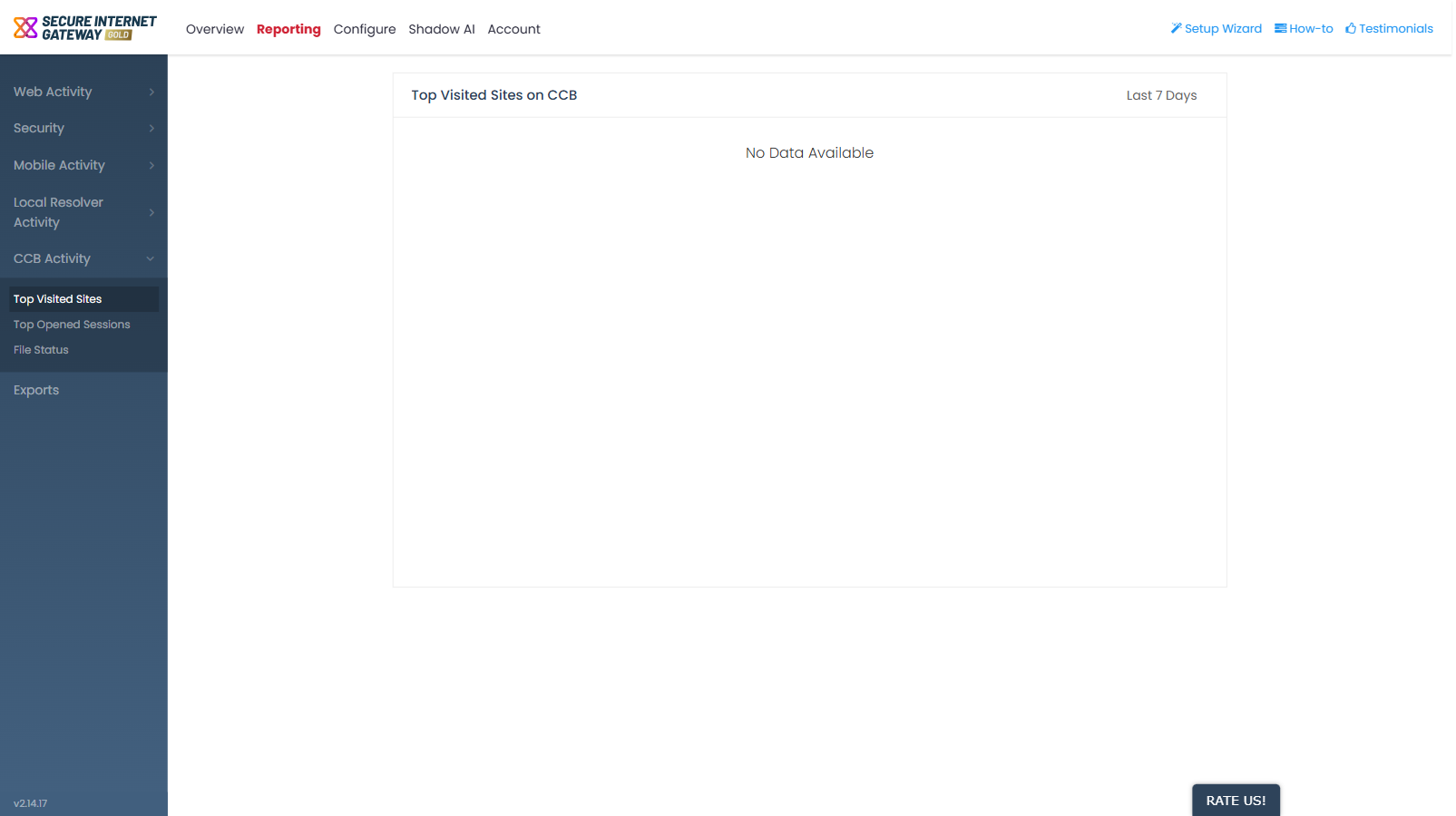
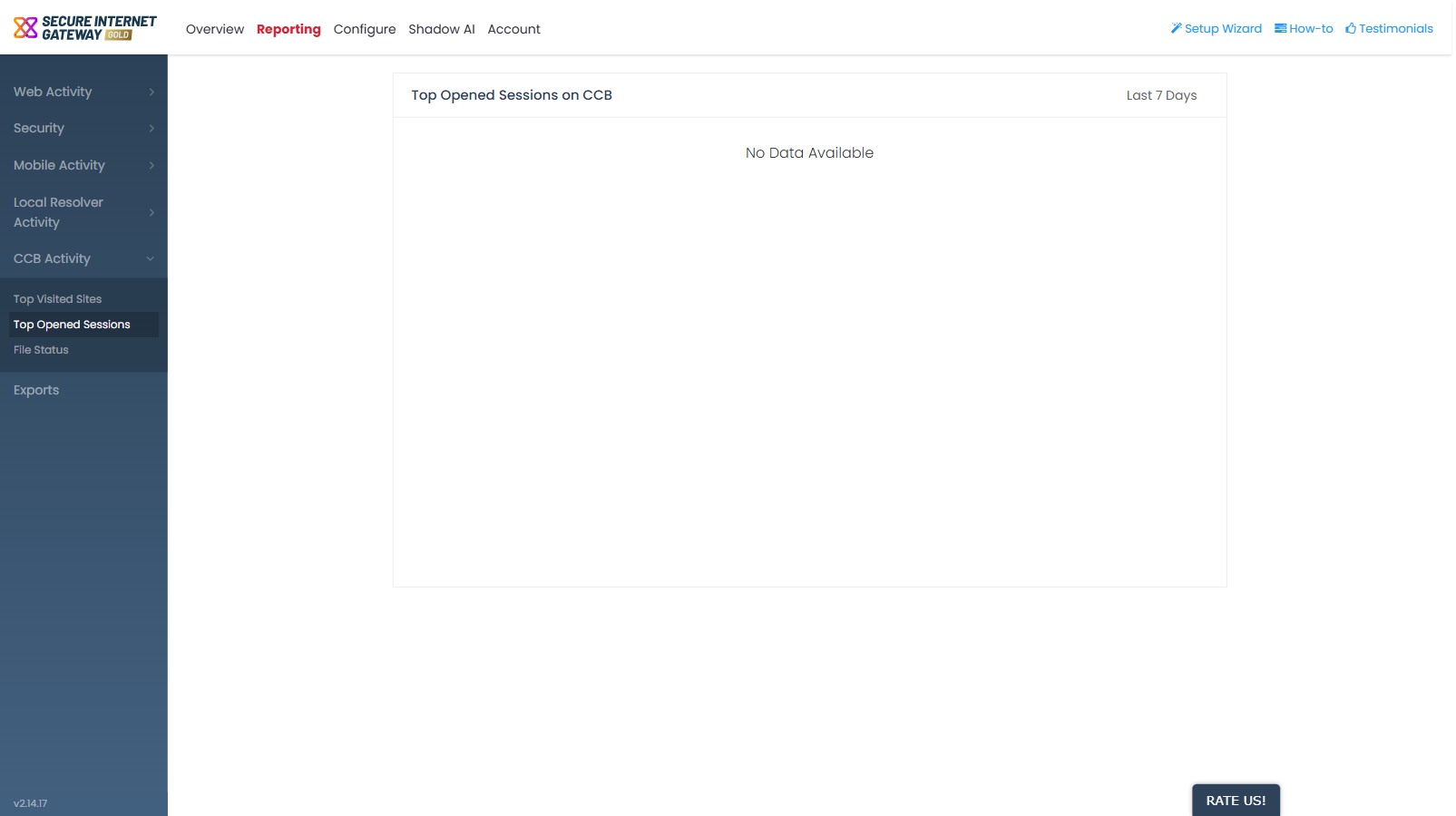
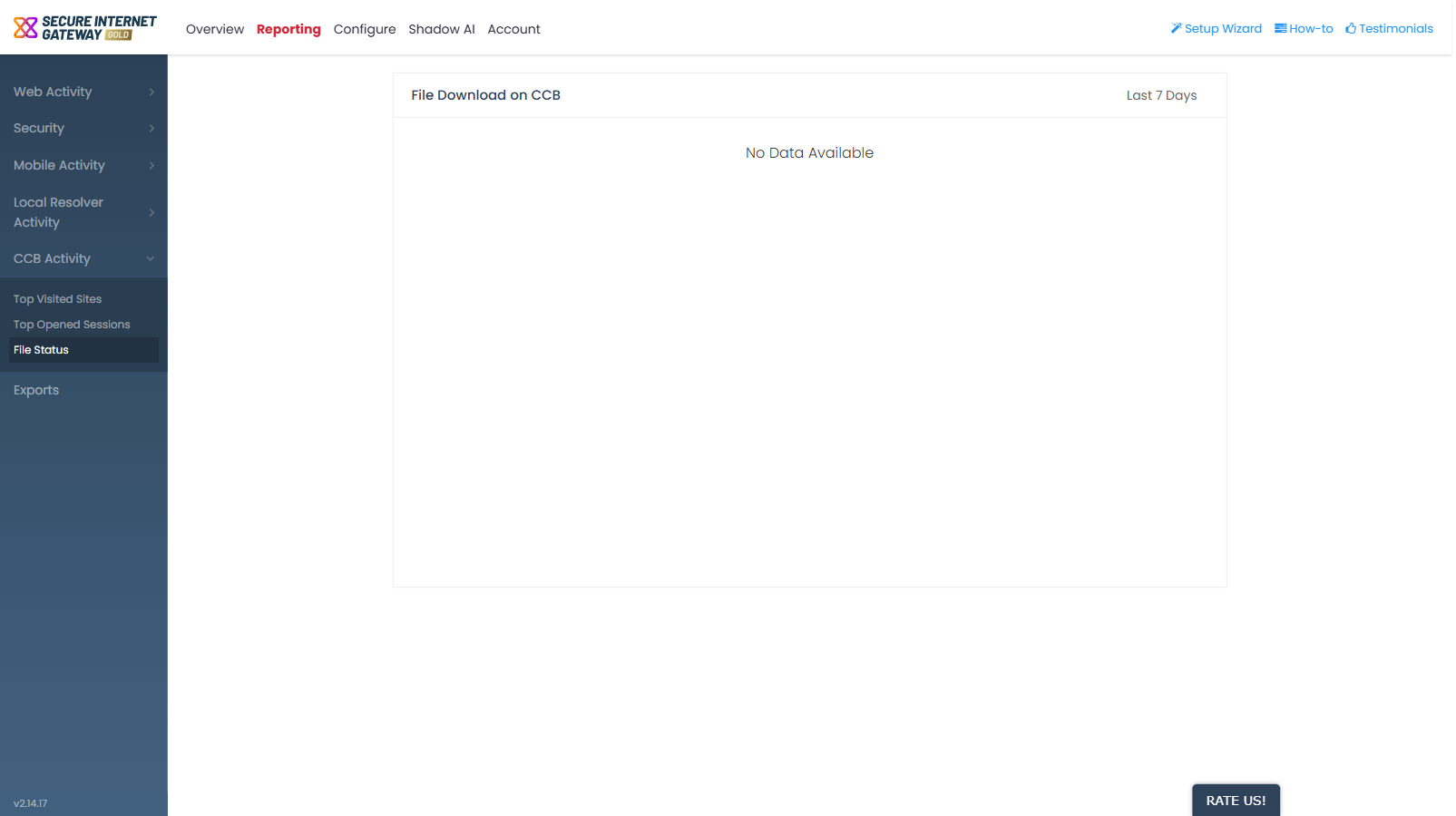
Note: all three reports in this group are titled differently in the content pane than in the sub-navigation. See 'Reporting' for the full list of renamed reports.