


Create a Block Page - Name
- Click 'Configure' > 'Policy Settings' > 'Block Pages' > 'Add a New Block Page' to open this interface.
'Add a New Block Page' opens a dialog titled 'Create Block Page' with two tabs, 'Name' and 'Settings'. The 'Name' tab is where you identify the block page.
You can name the block page and record a note about it from this tab.
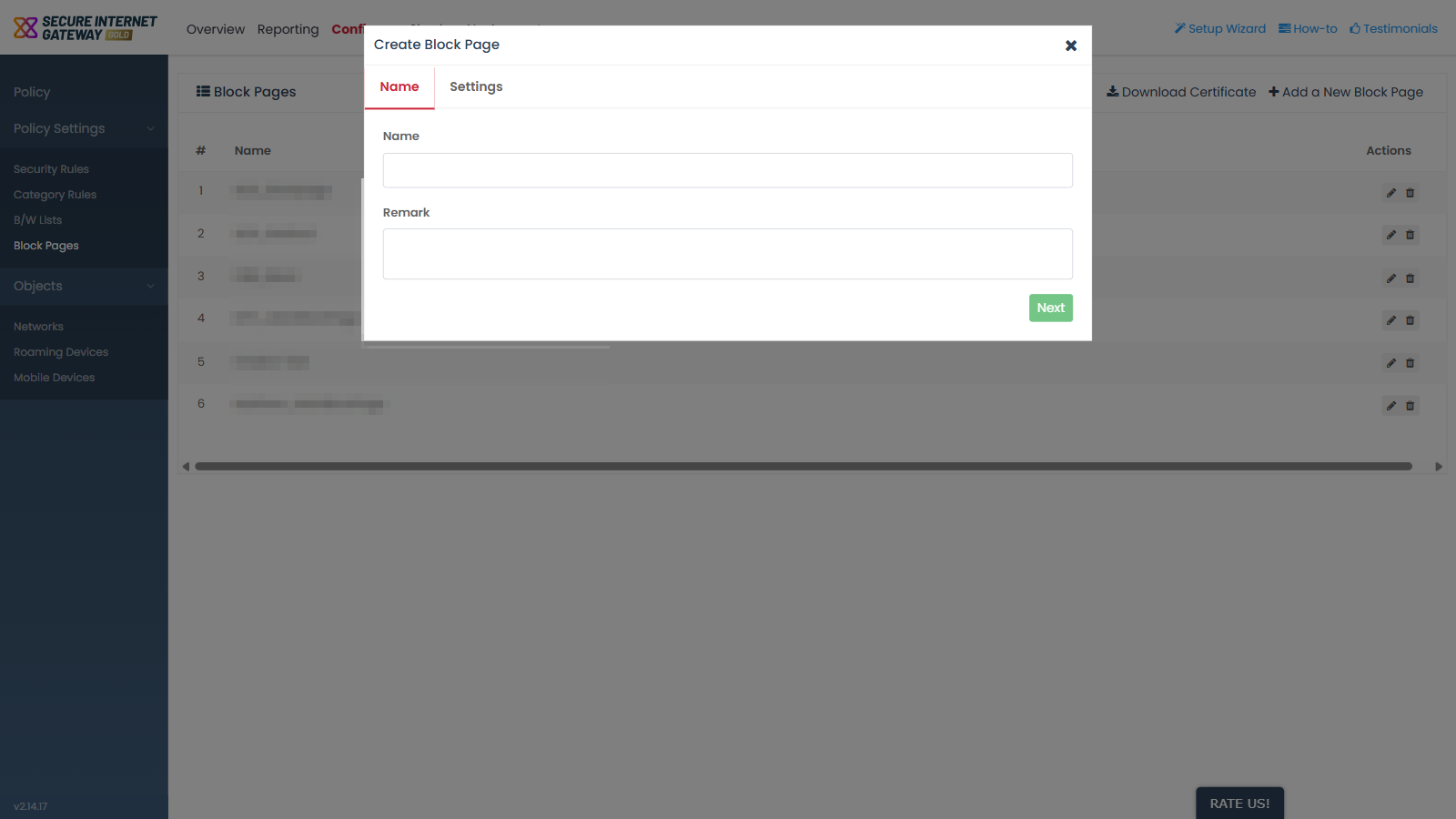
Field descriptions
| Field | Description | Required |
| Name | Text field. The label the block page is listed under in the 'Name' column of the 'Block Pages' screen. | Yes |
| Remark | Multi-line text field. A note about the block page, shown in the 'Remark' column. | No |
Name a new block page
- Click 'Configure' > 'Policy Settings' > 'Block Pages'.
- Click 'Add a New Block Page'.
- Type a name for the block page in the 'Name' field.
- Type a note in the 'Remark' field if you want one.
- Click 'Next'.