ITarian Help

Find the desired product help

Secure Internet Gateway

Secure Internet Gateway

Admin Guide Version

English

Print Help
Secure Internet Gateway > Overview > View The Security Overview Dashboard
  • Secure Internet Gateway
    • Setup Wizard
      • Start The Setup Wizard
      • Step 1 - Add Your Network
      • Step 2 - Confirm Rules For Your Policy
    • Setup Guide
      • Set Up Your Network To Secure Internet Gateway
        • Step 1 - Add Network
        • Step 2 - Set DNS
        • Step 3 - Create Policy
        • Step 4 - Analyze
      • Set Up Your Roaming Endpoints
        • Step 1 - Download And Install The Agent
        • Step 2 - Anti-Tampering Password
        • Step 3 - Configure Policy
        • Step 4 - Analyze Logs
      • Protect Your Mobile Devices
    • Overview
      • View The Web Overview Dashboard
      • View The Security Overview Dashboard
      • Page Through Widgets And Change The Reporting Period
    • Reporting
      • View Web Activity Reports
      • Drill Into The 'Other' Slice On Top URL Categories
      • View Security Reports
      • View Mobile Activity Reports
      • View Local Resolver Activity Reports
      • View CCB Activity Reports
      • View And Manage Exports
    • Configure
      • Manage Policies
        • Create A Policy - Select Objects
        • Create A Policy - Settings
        • Update A Policy
        • Validate A Policy With Check Policy
        • Manage Domain Classification Requests
          • How Domain Classification Requests Work
          • Request A Category Change
          • Website Category Reference
      • Policy Settings
        • Manage Security Rules
          • Create A Security Rule - Name
          • Create A Security Rule - Settings
        • Manage Category Rules
          • Create A Category Rule - Name
          • Create A Category Rule - Settings
        • Manage Domain B/W Lists
          • Create A B/W List - Name
          • Create A B/W List - Settings
          • Block By Country Top-Level Domain
        • Manage Block Pages
          • Create A Block Page - Name
          • Create A Block Page - Single Page For All Blocked Domains
          • Create A Block Page - Different Pages Per Block Reason
          • Redirect Blocked Users To A URL
      • Objects
        • Manage Networks
          • Add A Network
          • Add A Network - Additional Settings
          • Add A Network With A Dynamic IP Address
        • Manage Roaming Devices
          • Set An Anti-Tampering Password
          • Download The Roaming Agent
          • Deploy The Roaming Agent Through Endpoint Manager
        • Manage Mobile Devices
          • Add A Mobile Device
    • Shadow AI
      • Shadow AI Summary
      • Discovered AI Tool Catalog
      • Top AI Devices, Mobile Agents And Networks
      • Recent AI Blocks
      • Export Shadow AI Data
      • Block AI Tools
      • How Shadow AI Counts Requests
    • View Account Information And Licences

View the Security Overview Dashboard


  • Click 'Overview' > 'Security Overview' to open this interface.


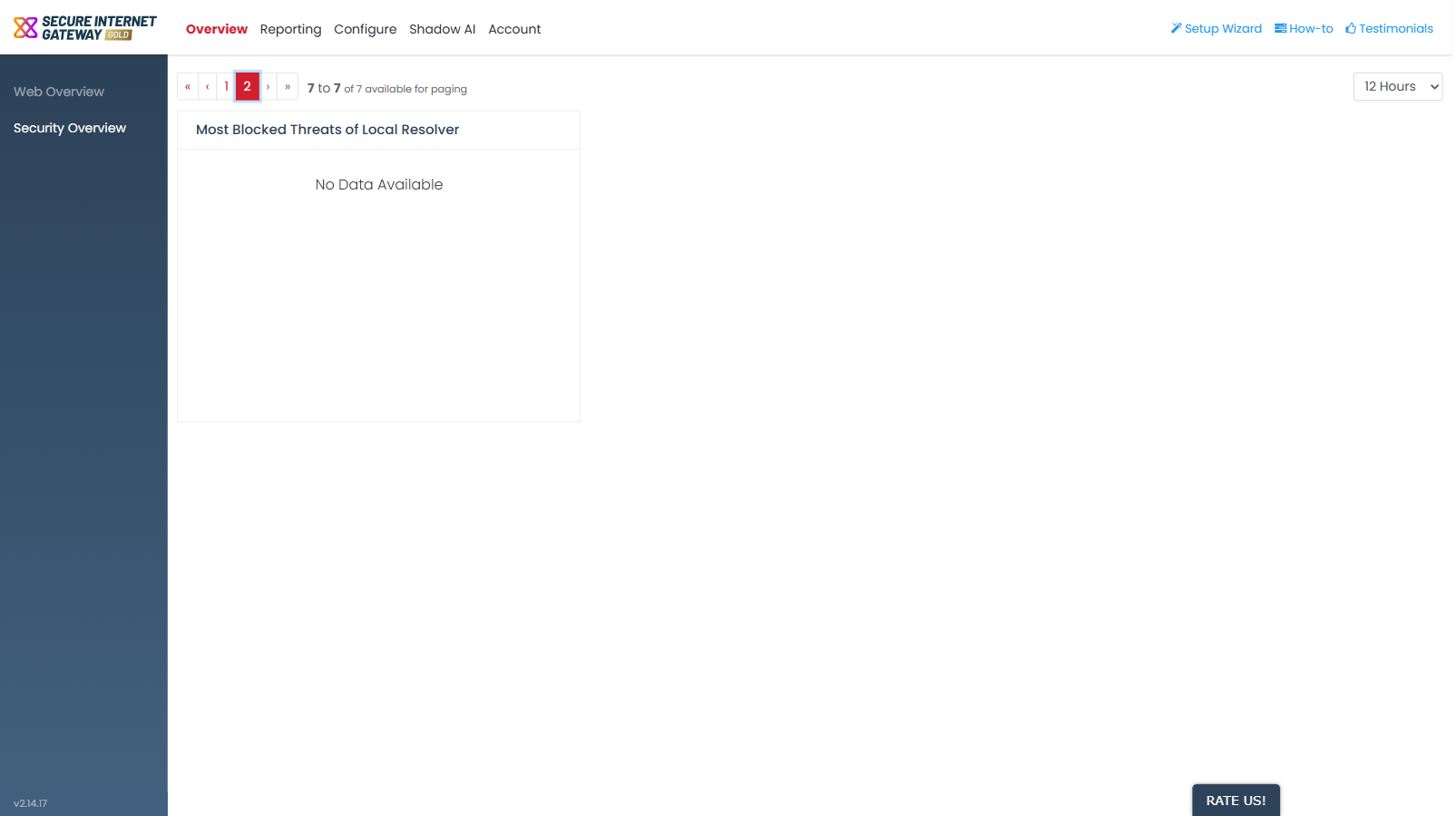
'Security Overview' is the threat-focused dashboard. It carries seven widgets, shown six to a page across two pages.

You can see the advanced threats and security incidents recorded across your networks, roaming agents, mobile users and local resolvers over the selected period.

The screen uses the same frame as 'Web Overview': a paging control above the widgets and a time-range dropdown at the top-right offering the same six periods, with '12 Hours' selected by default.


Page 1 widgets
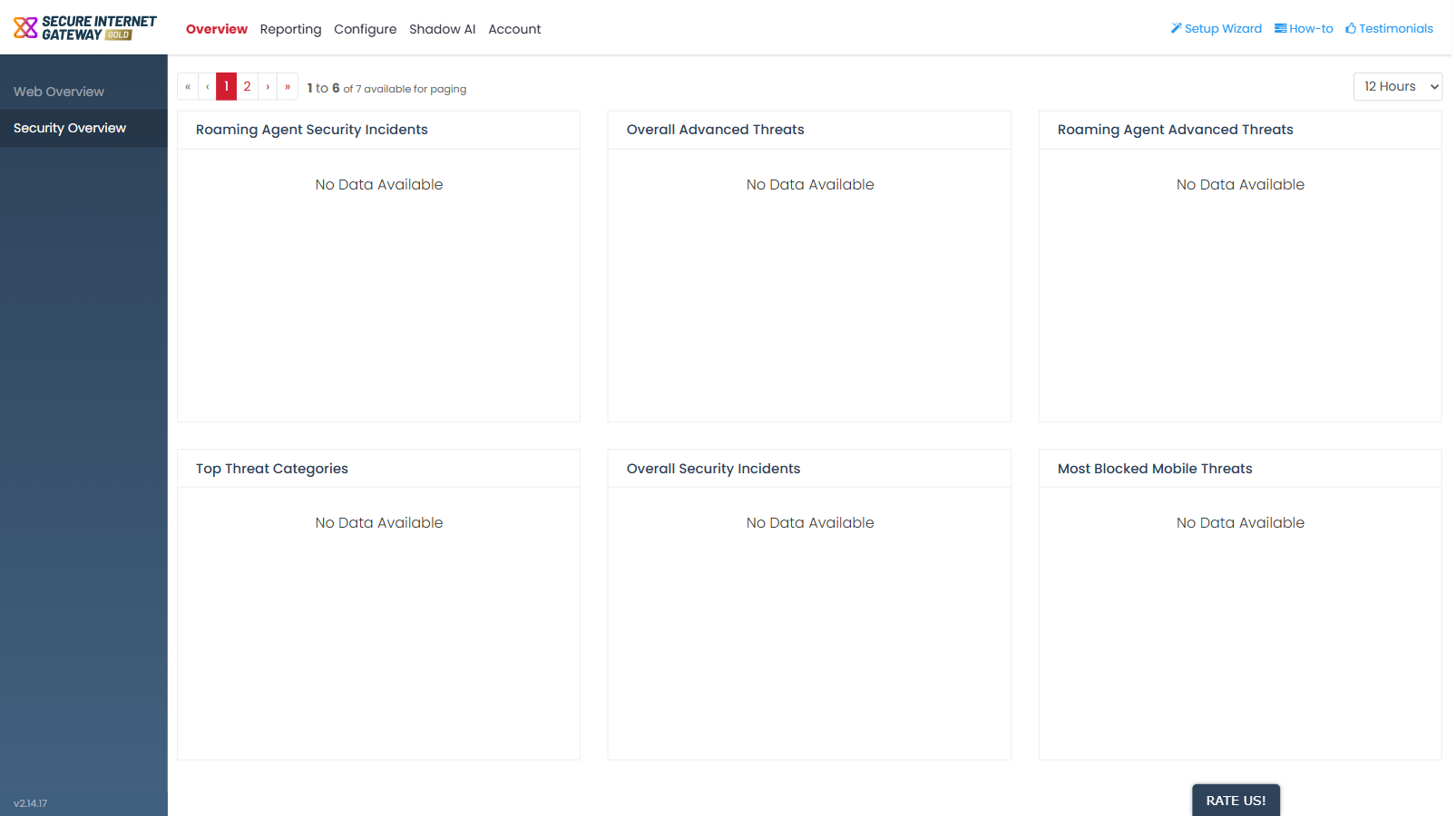
Secure_Internet_Gateway_1.png

Widget Description
Roaming Agent Security Incidents Security incidents recorded on your roaming agents.
Overall Advanced Threats Advanced threats recorded across everything you protect.
Roaming Agent Advanced Threats Advanced threats recorded on your roaming agents.
Top Threat Categories The threat categories seen most often over the period.
Overall Security Incidents Security incidents recorded across everything you protect.
Most Blocked Mobile Threats The threats blocked most often for your enrolled mobile users.


Page 2 widgets

Secure_Internet_Gateway_2.png
Widget Description
Most Blocked Threats of Local Resolver The threats blocked most often through your local resolver virtual appliances.

Comodo Help
  • IT Platform:
  • Help
  • Scripts
  • Wiki
  • Forum
  • Developer
  • RMM
  • Patch Management
  • Service Desk
  • ITSM
  • Managed Service Provider
  • Managed Detection and Response
  • Ticketing System
  • Helpdesk
  • ITIL

Copyright 2026 Itarian