


Deploy the Roaming Agent through Endpoint Manager
- Click 'Configure' > 'Objects' > 'Roaming Devices' > 'Download Agent' > 'Get Endpoint Manager Windows Link'.
Use this when you want Endpoint Manager to install the roaming agent rather than running the installer by hand on each device. The control reveals a download link in place inside the dialog.
You can copy the revealed link and use it as the package source in Endpoint Manager.
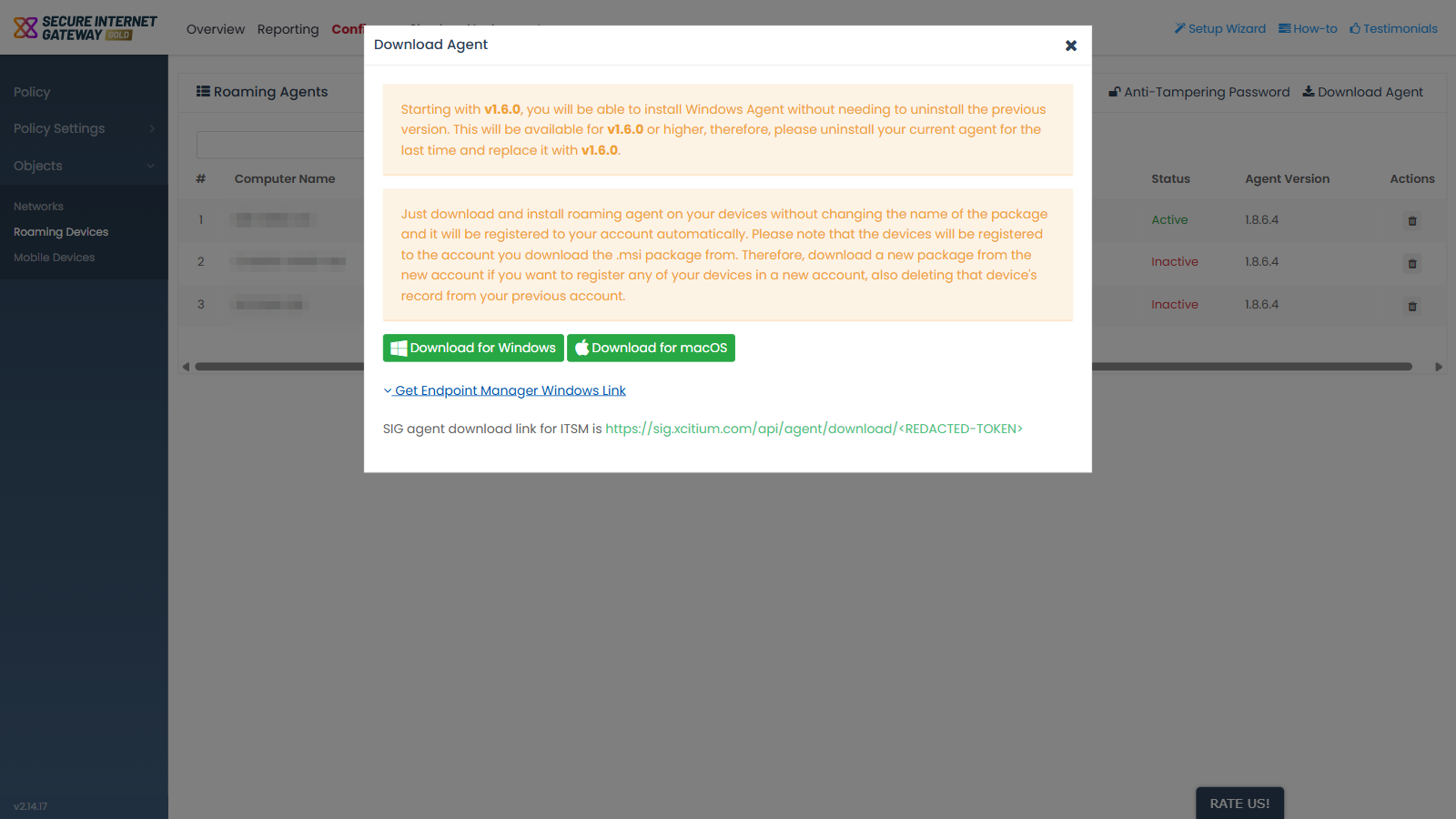
Get the link
- Click 'Configure' > 'Objects' > 'Roaming Devices'.
- Click 'Download Agent'.
- Click 'Get Endpoint Manager Windows Link'.
- Copy the link that appears.
- Use the link as the package source in Endpoint Manager.
Note: the link ends in a token that identifies your account. Anyone who has the link can download an agent package that registers devices to your account, so treat it as a secret and do not share or publish it.