


Add a Network - Additional Settings
- Click 'Configure' > 'Objects' > 'Networks' > 'Add New Network' > 'Additional Settings' to open this section.
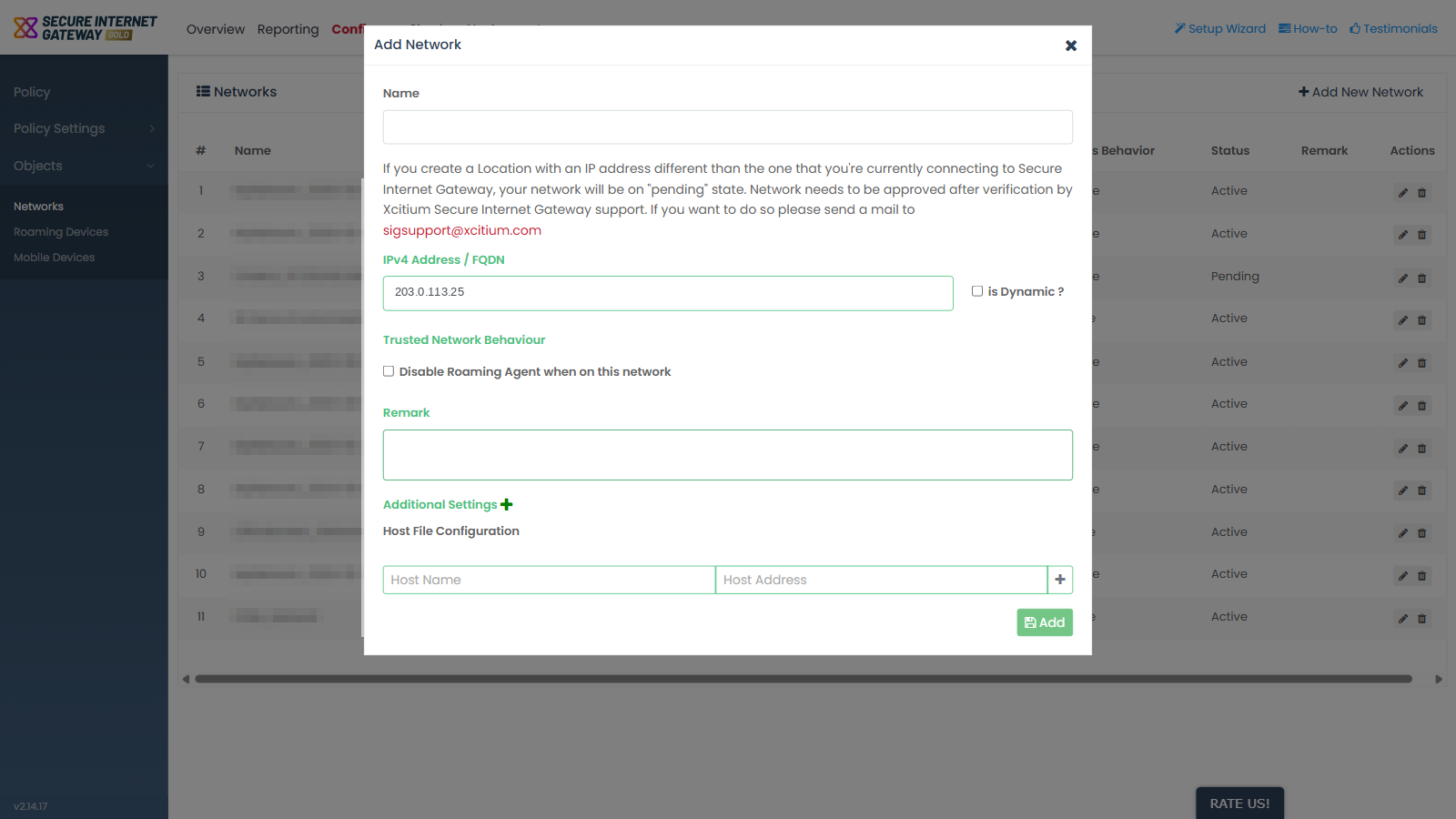
'Additional Settings' is a collapsed section at the foot of the 'Add Network' dialog. Expanding it reveals the host file settings for the network.
You can map a host name to an address for this network from this section.
Fields
Expanding 'Additional Settings' reveals 'Host File Configuration' with two text fields.
| Field | Description | Options and default | Required |
| Host Name | The host name entry for the network's host file configuration. | Free text. Empty by default. | No |
| Host Address | The address that the host name resolves to. | Free text. Empty by default. | No |
Add a host file entry
- Open the 'Add Network' dialog and complete the main fields.
- Click 'Additional Settings' to expand the section.
- Type the host name in 'Host Name'.
- Type the address in 'Host Address'.
- Click 'Add' to save the network together with the host file entry.