


Manage Mobile Devices
- Click 'Configure' > 'Objects' > 'Mobile Devices' to open this interface.
Mobile users are protected by a VPN profile that Secure Internet Gateway sends to their email address. Secure Internet Gateway identifies a mobile user by that email address, so one invitation covers all of that user's devices.
You can invite mobile users and track whether they have activated the profile from this interface.
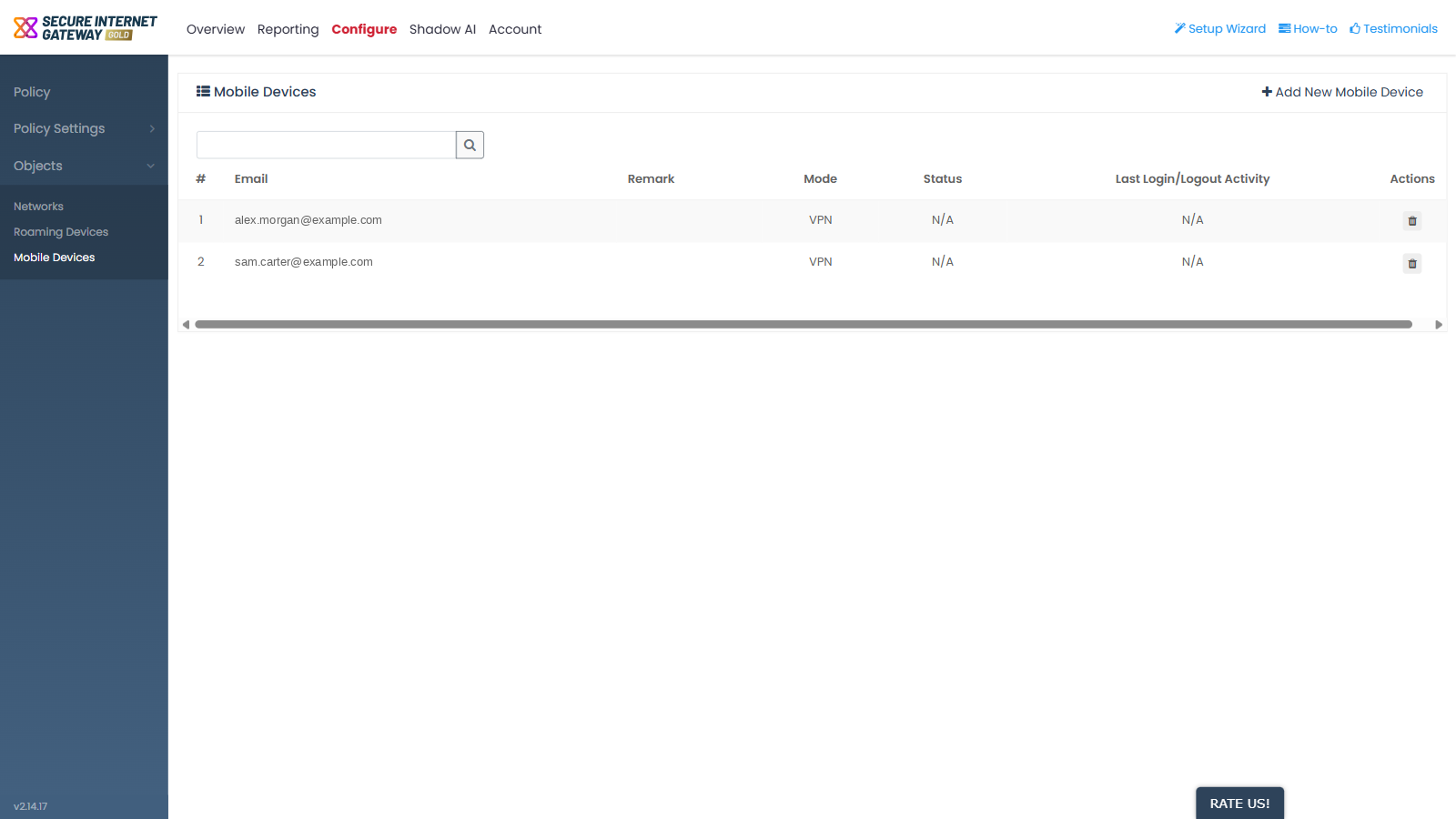
Columns
| Column | Description |
| # | The row number in the list. |
| The mobile user's email address. This is how Secure Internet Gateway identifies the user. | |
| Remark | The note saved with the entry. |
| Mode | Either 'VPN' or 'VPN + Mobile Agent'. |
| Status | How far the user has got with the profile. This shows 'N/A' until the user activates it. |
| Last Login/Logout Activity | The most recent login or logout. This shows 'N/A' until there is activity. |
| Actions | The row action icon. |
Status values
- 'Installed and Active' - the device is protected by Secure Internet Gateway under the policy you apply to it.
- 'Installed, Not Active' - the user has installed the app but has not activated it, or is not connected to the internet.
- 'N/A' - the user has not activated the profile yet.
View the mobile users
- Click 'Configure' > 'Objects' > 'Mobile Devices'.
- Read the list. The list is not paged, so every entry is shown at once.
- Read the 'Status' column to see whether each user has activated the profile.
Note: when you send an invitation, an address that is invited for the first time returns 'Success', and an address that is invited again returns 'Already Exists'.